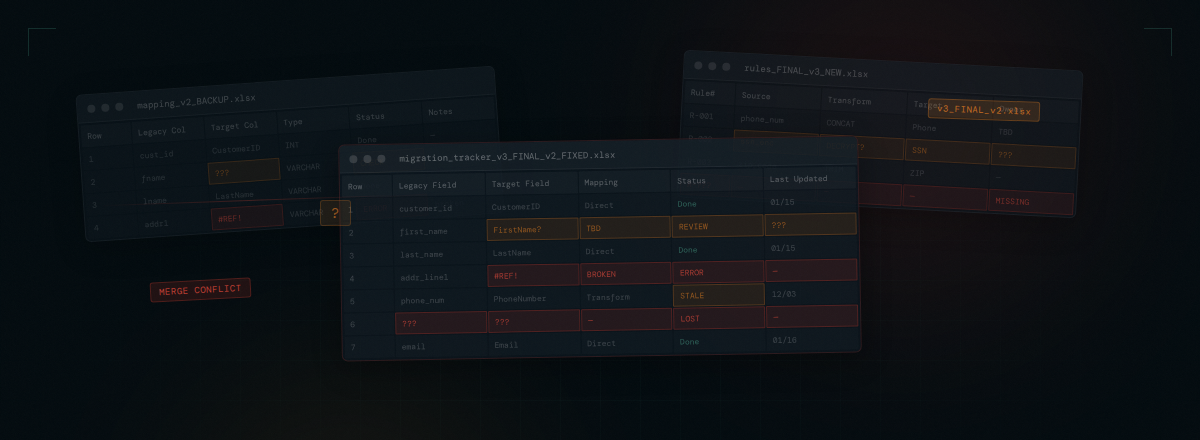
In 2026, the vast majority of large-scale data migration projects are still managed in spreadsheets. I've spent more than 25 years leading data migrations on some of the largest government and enterprise modernization projects in the country, and this fact still catches people off guard. We have purpose-built tools for every other workstream in a system implementation — project management, development, testing, deployment, configuration management. But the workstream that consistently carries the most risk? It runs on Excel.
The Spreadsheet Reality
If you've worked on a large data migration, you know the pattern. The migration lead creates a spreadsheet for legacy data sources. Then another for target system structures. Another for source-to-target mappings. Another for transformation rules. Another for data quality issues. Another for test results. Another for status tracking.
Within a few months, the project has dozens or more spreadsheets scattered across SharePoint folders, email threads, and local drives. Each one maintained by a different person. Each one with its own versioning challenges.
Every status meeting starts with the same question: "Who has the latest version?" And every meeting ends with someone promising to consolidate and send out an updated copy. Until the next meeting, when the cycle repeats.
Specific Pain Points
The problems with spreadsheet-driven migration management go far beyond inconvenience. They create real project risk:
- Version conflicts: When multiple team members are working from different versions of a mapping spreadsheet, decisions get lost. A transformation rule updated on Tuesday gets overwritten by someone working from Monday's version on Wednesday. Nobody realizes it until testing fails weeks later.
- No audit trail: Who changed what, when, and why? In a spreadsheet, you don't know. There's no history, no change tracking across versions, no way to understand how a mapping evolved over time. When something breaks, tracing the root cause means interviewing team members and hoping someone remembers.
- Status reporting is a project in itself: Gathering migration status from spreadsheets typically takes a full day of effort before each steering committee meeting. The PM has to open dozens of files, count rows, calculate percentages, and assemble a coherent picture. By the time the report is presented, the data is already stale. And if leadership wants a dashboard? Someone has to build one from scratch — writing complex formulas, VLOOKUP chains, and hand-wired macros to pull data across workbooks into pivot tables and charts that break the moment a column shifts or a filename changes.
- No structured relationships: Spreadsheets can't enforce referential integrity between your source catalog, your mappings, your transformation rules, and your test results. Everything is loosely connected by naming conventions and human memory. When a target table name changes, there's no automatic way to find every mapping and rule that references it.
- Collaboration bottlenecks: Even with cloud-based spreadsheets, working on the same migration artifact simultaneously is fragile. One person's edits can inadvertently break another's work. And structurally complex migration data doesn't fit well into a flat grid of rows and columns.
- Brittle dashboards and reporting: Inevitably, someone on the team becomes the "spreadsheet person" — the one who spends weeks building elaborate macros, complex nested formulas, and conditional formatting rules to create something that resembles a dashboard. These creations are fragile, impossible for anyone else to maintain, and produce visualizations that are still inadequate for the complexity of the data they're trying to represent. When that person leaves the project or the underlying data structure changes, the reporting capability collapses entirely.
The Riskiest Workstream
Data migration is consistently ranked as the riskiest part of system modernization projects. Industry surveys and post-implementation analyses tell the same story: migration is where timelines slip, budgets overrun, and go-live dates are at greatest risk.
This isn't surprising when you consider what data migration involves. You're taking every piece of data from a legacy system — often decades old, poorly documented, full of undocumented business rules and data quality issues — and moving it into a new system with different structures, different rules, and different expectations. The volume of detail is enormous. The margin for error is small. And the consequences of getting it wrong are severe.
Every other part of the implementation has purpose-built tools. But the piece that carries the most risk? Spreadsheets. That disconnect should bother everyone involved in these projects.
Why Hasn't This Been Solved?
This is the question I asked myself for years. If data migration is so critical and so risky, why hasn't someone built a proper tool for managing it?
Part of the answer is that data migration is a niche within a niche. It sits at the intersection of data management, project management, and system implementation. It requires deep domain expertise to understand the problem, and even deeper expertise to design a solution. Generic project management tools don't understand migration concepts. Generic data tools don't understand project workflows. And ETL tools — while essential for the technical execution — don't manage the project around the execution.
Another part of the answer is that data migration has traditionally been treated as a temporary workstream. It has a start date and an end date. Organizations don't invest in tooling for something they see as a one-time effort — even though many large organizations are running multiple migration projects simultaneously or back-to-back.
And frankly, there's an element of inertia. Teams have always managed migrations in spreadsheets. It's painful, but it's familiar. The pain is distributed across many people over many months, so no single moment feels bad enough to force a change.
It's Time for a Change
I spent 25 years living with these problems. Running migrations on projects where tens of millions of dollars were at stake, knowing that the tooling we were using was fundamentally inadequate for the complexity and risk involved.
The conclusion I reached wasn't complicated: data migration deserves the same level of tooling as every other part of the implementation. A purpose-built platform that understands migration concepts natively. That provides structure, visibility, and control. That reduces risk instead of creating it.
That tool now exists. And in my next post, I'll talk about the real cost of the spreadsheet status quo — the cascade that turns poor tooling into project overruns.